
Why a 1-Second Delay Is Killing Your Online Store's Sales (Page Speed & Conversion)
Your online store might be losing 7% of conversions for every second page load delay. Learn how milliseconds make millions in e-commerce.
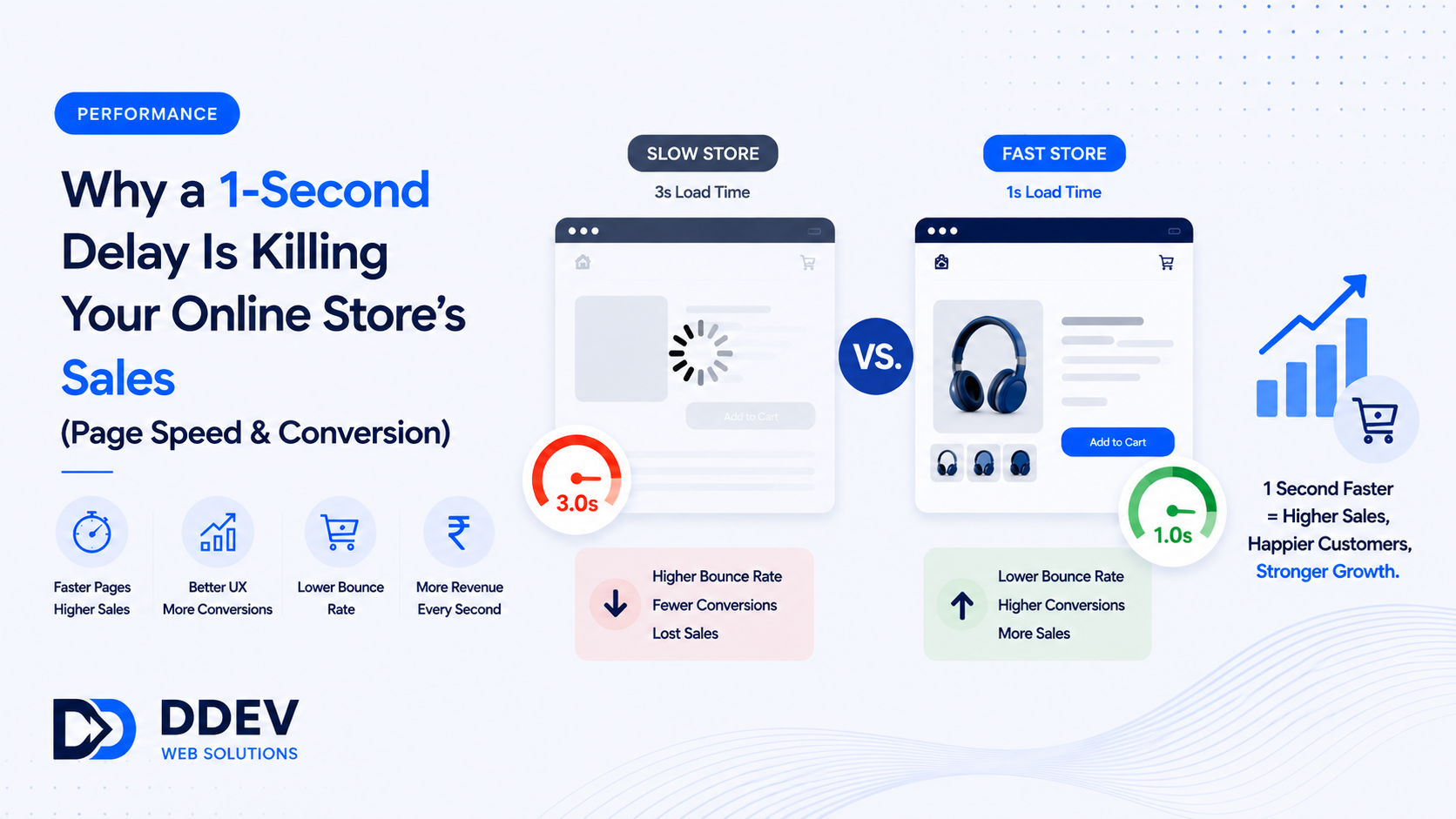
Your online store might be losing 7% of conversions for every single second your pages take to load. Not because of your products, pricing, or marketing — but because your website is slow.
Portent's analysis of over 100 million pageviews found that sites loading in 1 second convert at 2.5x the rate of sites loading in 5 seconds. Google and Deloitte's "Milliseconds Make Millions" study found that a 0.1-second improvement in mobile load time lifted retail conversions by 8.4%.
These are not theoretical numbers. They represent real money that slow stores are leaving on the table.
If your store does ₹10 lakh/month and a 1-second speed improvement lifts conversion by just 15%, that is ₹1.5 lakh in additional monthly revenue. ₹18 lakh per year. From a technical fix, not a marketing campaign.
Why Speed Matters More for E-Commerce Than Any Other Website
Browsing an e-commerce store involves dozens of page loads. Homepage → category page → product page → product page → add to cart → checkout. Each transition is a loading event.
If every page takes 4 seconds instead of 2, a customer browsing 6 pages spends 12 extra seconds waiting. That does not sound like much — but each wait is a moment of friction where they might switch to a competitor, get distracted, or simply give up.
Shopping on mobile (80%+ of Indian e-commerce traffic) amplifies this. Mobile connections are slower, phones are less powerful, and patience is shorter. A 5-second load time on a 4G connection is an eternity.
Google also uses Core Web Vitals — loading speed, interactivity, and visual stability — as ranking factors. A slow store ranks lower in search results, which means fewer visitors arrive in the first place.
Speed affects both the top of the funnel (fewer visitors) and the bottom (lower conversion). The double penalty is severe.
What Makes E-Commerce Sites Slow
Unoptimized product images. A single product photo at 5MB × 50 products on a category page = 250MB of data. Properly compressed images (WebP format, lazy-loaded) reduce this by 80-90%.
Heavy themes and plugins. A typical WooCommerce or Shopify store might have 15-20 plugins, each adding JavaScript and CSS. Most stores only use 30% of their plugin functionality — the rest is dead weight.
No CDN. A CDN (Content Delivery Network) serves your site from the server closest to the visitor. Without one, a customer in Chennai loads your site from a server in Mumbai — adding 200-500ms of latency on every page load.
Bloated checkout. Third-party scripts for analytics, remarketing pixels, social widgets, and chat tools all fire during checkout — the most conversion-critical page. Each script adds 100-500ms.
No caching. Without browser and server caching, every page load is a fresh request to the database. Proper caching serves repeat visits instantly.
The Revenue Calculator
Here is how to calculate what speed is costing your store. Take your current monthly revenue, your current conversion rate, and your current page load time versus a target load time. A conservative estimate is a 5-15% conversion improvement for every second faster your site becomes.
Example:
- ₹10 lakh/month revenue
- 2% conversion rate
- Current load time: 4 seconds → Target: 2 seconds
- Expected conversion lift: 10-20%
- Additional monthly revenue: ₹1,00,000 – ₹2,00,000
The cost to optimize site speed is typically ₹20,000-80,000 (one-time) with minimal ongoing costs. The ROI is immediate and compounding.
How to Fix It
Step 1: Measure. Use Google PageSpeed Insights and GTmetrix to benchmark your current performance. Note your Largest Contentful Paint (LCP), First Input Delay (FID), and Cumulative Layout Shift (CLS) scores.
Step 2: Images. Convert all product and banner images to WebP format. Implement lazy loading so images below the fold only load when the user scrolls to them. This alone can cut page weight by 50-70%.
Step 3: Plugins/apps audit. Remove every plugin you are not actively using. Replace heavy plugins with lightweight alternatives. If a plugin adds 500ms and provides marginal value, it is costing you revenue.
Step 4: CDN. Set up a CDN (Cloudflare is free for basic use). This is one of the highest-impact, lowest-effort speed improvements available.
Step 5: Caching. Implement browser caching and server-side caching. Repeat visitors should experience near-instant page loads.
Step 6: Critical CSS and deferred JS. Load only the CSS needed for above-the-fold content first. Defer non-essential JavaScript to after the page renders.
Step 7: Checkout optimization. Minimize third-party scripts on checkout pages. Every pixel, widget, and analytics tag on the checkout page should justify its existence against the conversion cost of the latency it adds.
Frequently Asked Questions
How fast should my e-commerce site load?
Target under 2.5 seconds on mobile for Largest Contentful Paint (LCP). Under 2 seconds is ideal. Every second above 3 seconds costs measurable conversion.
Does Shopify/WooCommerce matter for speed?
Both can be fast or slow depending on theme choice, number of apps/plugins, and image optimization. Shopify has a slight edge for unoptimized stores because it handles hosting and CDN. WooCommerce can be faster with proper server configuration but requires more technical attention.
Is speed optimization a one-time fix?
Mostly. The initial optimization (images, plugins, CDN, caching) is a one-time project. Ongoing maintenance involves checking speed after adding new products or plugins and keeping images optimized.
Stop Losing Sales to a Slow Website
DDev builds fast e-commerce stores — optimized images, lean code, CDN integration, and sub-2-second load times that convert browsers into buyers.
Talk to DDev About Speeding Up Your Store.